Solar System Simulation
A downloadable game
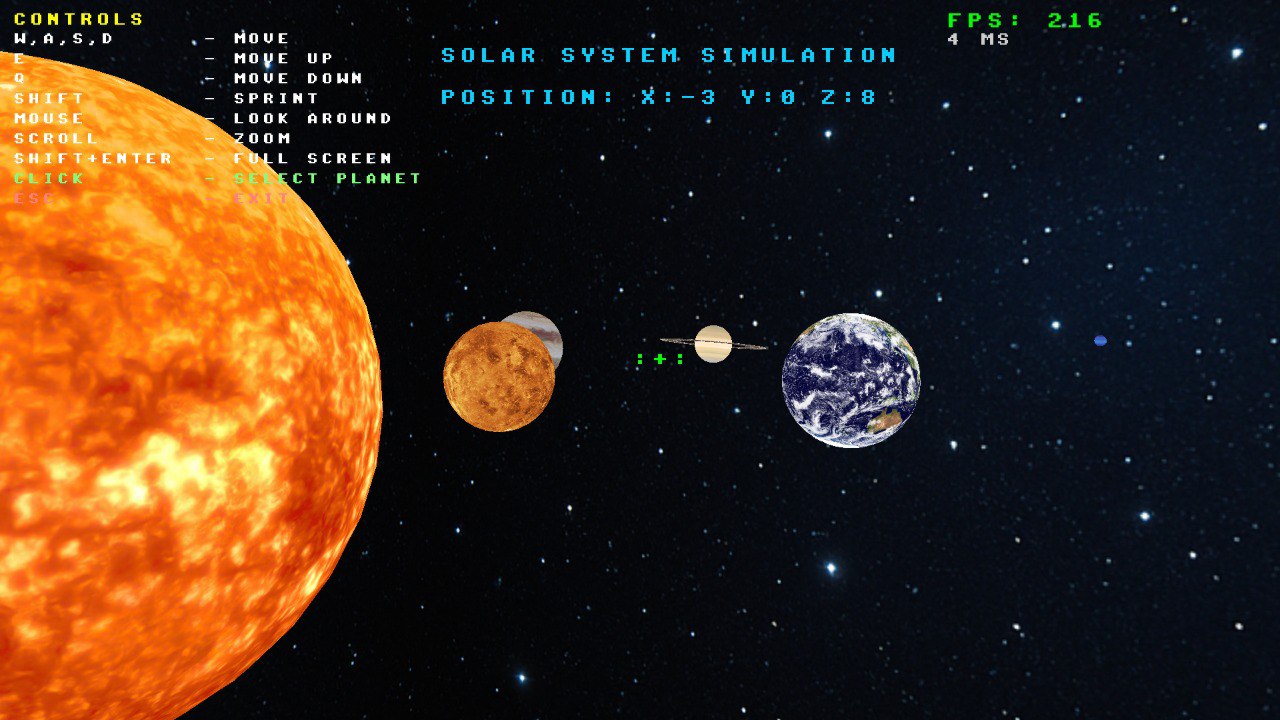
Experience the solar system with this physics-accurate 3D simulation built with OpenGL
About This Project
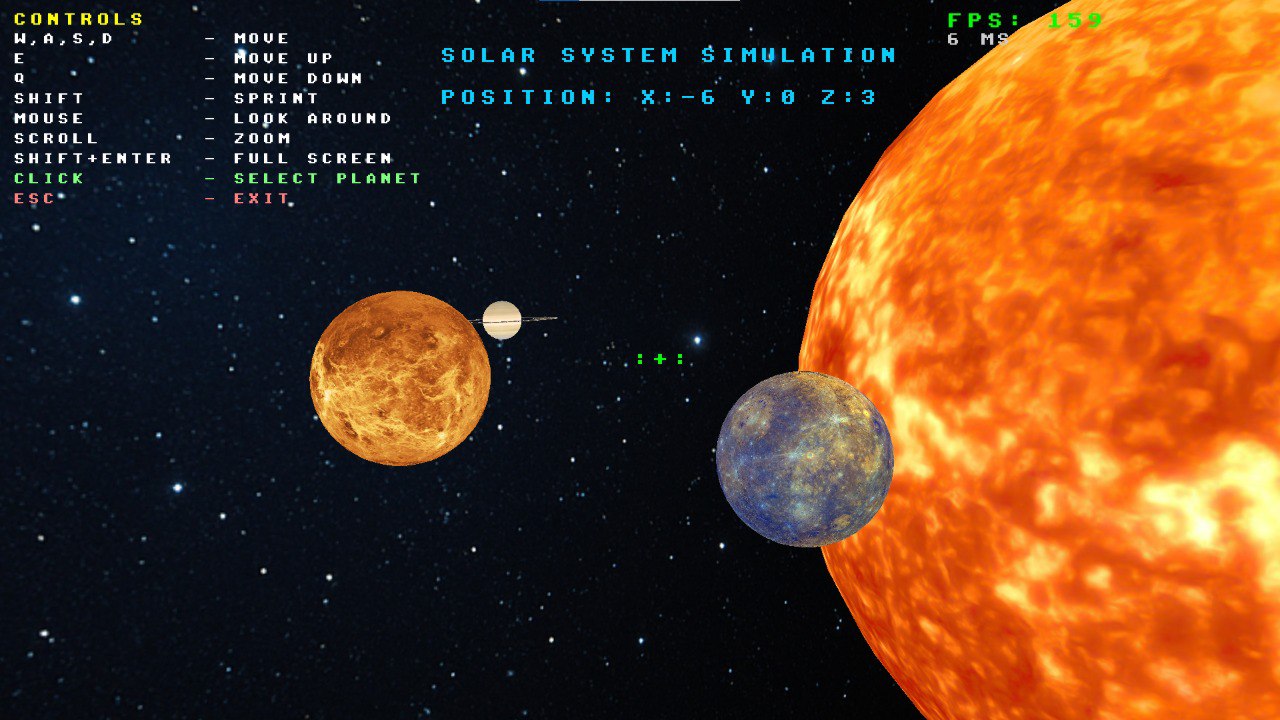
Solar System Simulation is a real-time 3D visualization of our solar system, built from scratch using C++ and OpenGL. This project showcases accurate orbital mechanics, realistic planet rendering, and an interactive camera system that lets you explore space at your own pace.
Perfect for space enthusiasts, students, or anyone curious about our cosmic neighborhood!
Video Showcase
🔗 Links
✨ Key Features
Realistic Physics Simulation
- Accurate orbital mechanics - Planets follow elliptical orbits based on real astronomical data (semi-major axis, eccentricity)
- Proper scale relationships - Realistic distance and size ratios between celestial bodies
- Real-time orbital motion - Watch planets orbit the Sun at calculated velocities based on Kepler's laws
- Authentic rotation speeds - Each planet rotates at speeds proportional to their real rotation periods
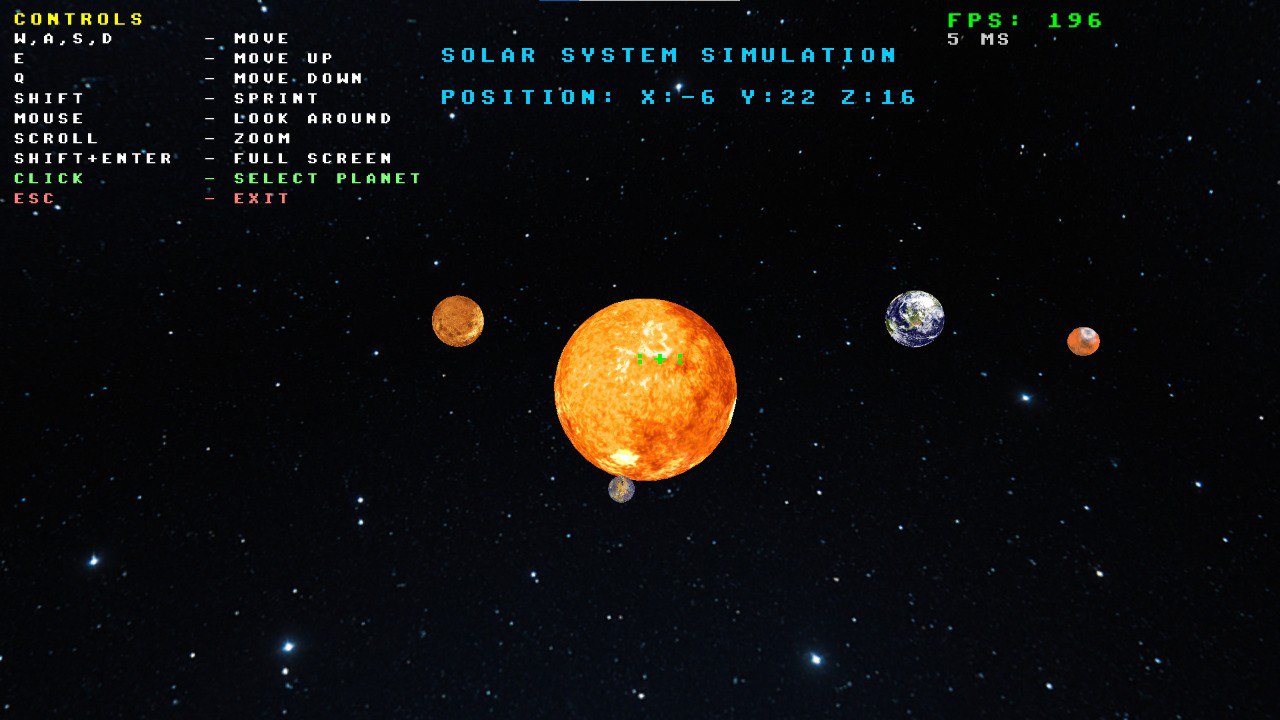
All 8 Planets + The Sun
- Mercury
- Venus
- Earth
- Mars
- Jupiter
- Saturn (with its iconic rings!)
- Uranus
- Neptune
- The Sun at the center
Interactive 3D Environment
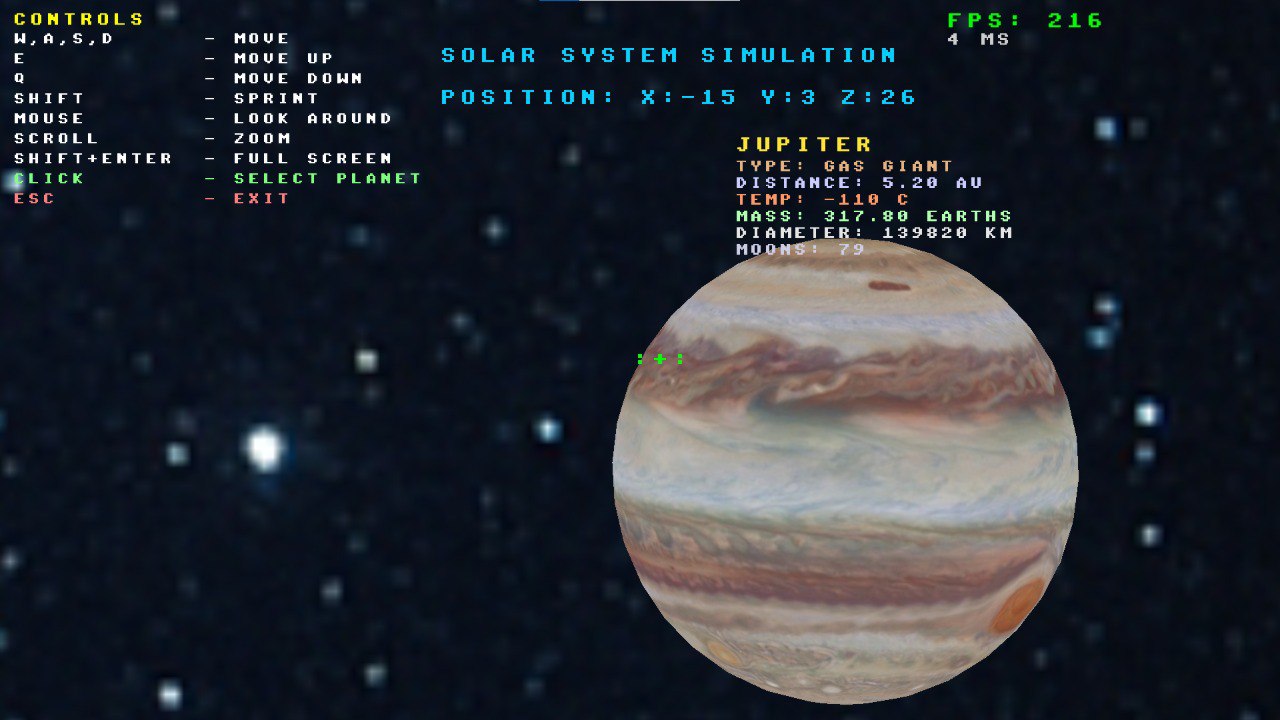
- Free camera movement - Fly through space with WASD controls
- Mouse look - Look around naturally with your mouse
- Zoom functionality - Get up close to planets or pull back for the full view
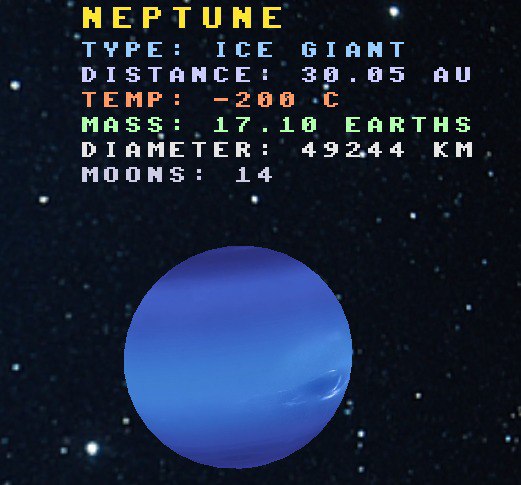
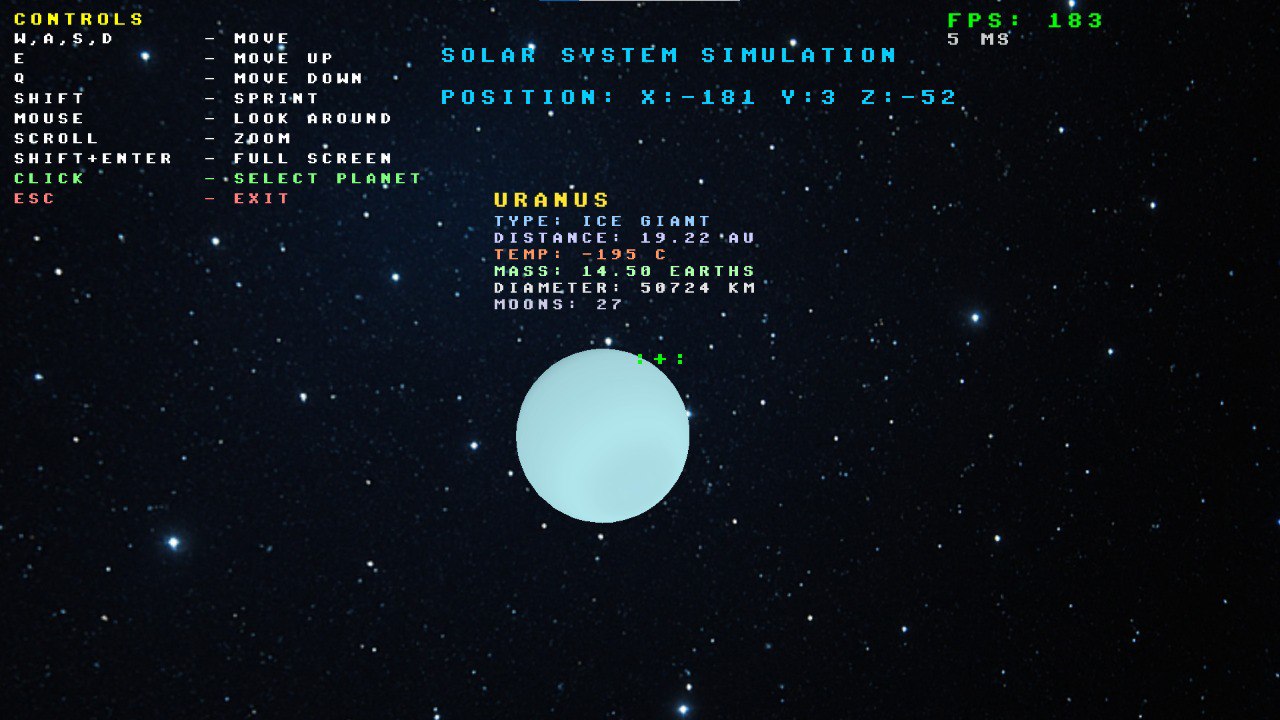
- Planet selection - Click on any planet to select it and view detailed information
- Information panels - See real data about each celestial body:
- Distance from Sun (in AU)
- Temperature
- Planet type
- Mass (relative to Earth)
- Diameter
- Number of moons
Technical Highlights
- Custom OpenGL rendering engine - Built from the ground up
- Real-time text rendering - On-screen UI and planet information
- Skybox environment - Immersive space backdrop
- Custom shader system - To control shader usage from different classes
- Optimized performance - Smooth 60+ FPS experience
- Clean Architecture - Built with OOP and design patterns
User-Friendly Interface
- Clear on-screen controls - Always know what keys to press
- FPS counter - Monitor performance
- Camera position display - Know where you are in 3D space
- Crosshair targeting - Easily select planets
- Fullscreen support - Immersive viewing experience
🎮 Controls
| Function | Description |
|---|---|
| W/A/S/D | Move camera forward/left/backward/right |
| Mouse | Look around |
| Scroll Wheel | Zoom in/out |
| Shift | Move 5x faster |
| Left Click | Select planet under crosshair |
| Shift + Enter | Toggle fullscreen |
| ESC | Exit application |
🖥️ System Requirements
Minimum
- OS: Windows 10/11
- Processor: Dual-core CPU, 2.0 GHz
- Memory: 2 GB RAM
- Graphics: OpenGL 3.3 compatible GPU
- Storage: 50 MB available space
Recommended
- Processor: Quad-core CPU, 3.0 GHz or higher
- Memory: 4 GB RAM
- Graphics: Dedicated GPU with OpenGL 3.3+ support
🛠️ Built With
- C++17 - Core programming language
- OpenGL 3.3 - Graphics rendering
- GLFW - Window and input management
- GLM - Mathematics library for 3D transformations
- stb_image - Texture loading
- miniaudio - Lightweight library for audio control
- CMake - Cross-platform build system
📚 Educational Value
This simulation is perfect for:
- Learning about orbital mechanics and Kepler's laws
- Understanding planetary scale and distances
- Visualizing the solar system in 3D
- Exploring real astronomical data
- Studying OpenGL and 3D graphics programming
🎯 Portfolio Showcase
This project demonstrates:
- Advanced C++ programming and OOP design
- OpenGL rendering pipeline implementation
- 3D mathematics and physics simulation
- Modern graphics programming techniques
- UI/UX design for 3D applications
📝 Credits
Developed by Danylo Golosov as a portfolio project showcasing 3D graphics programming and physics simulation.
Texture Credits: Planet textures sourced from NASA and public domain resources.
Created with passion for space exploration and computer graphics 🚀✨
Download
Install instructions
Windows
- Download the
.zipfile for Windows - Extract all files to a folder of your choice
- Double-click
SolarSystem.exeinsideRelease/Exefolder to run the game
Leave a comment
Log in with itch.io to leave a comment.